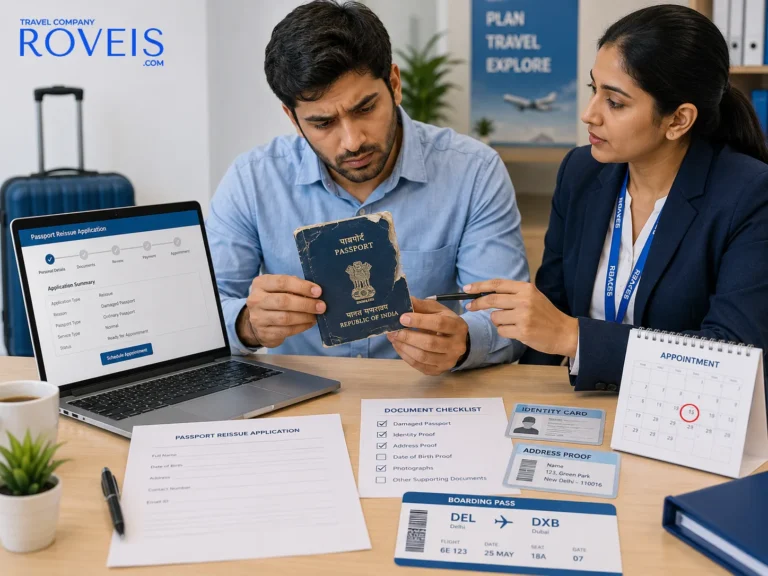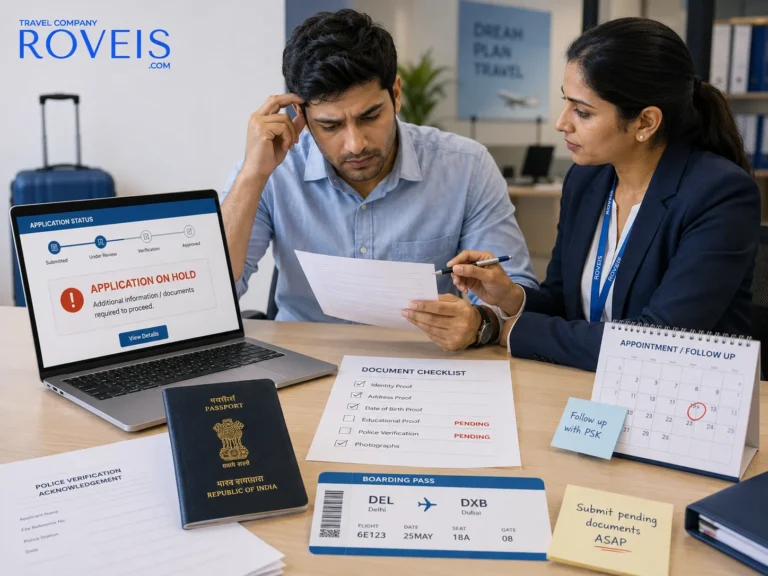

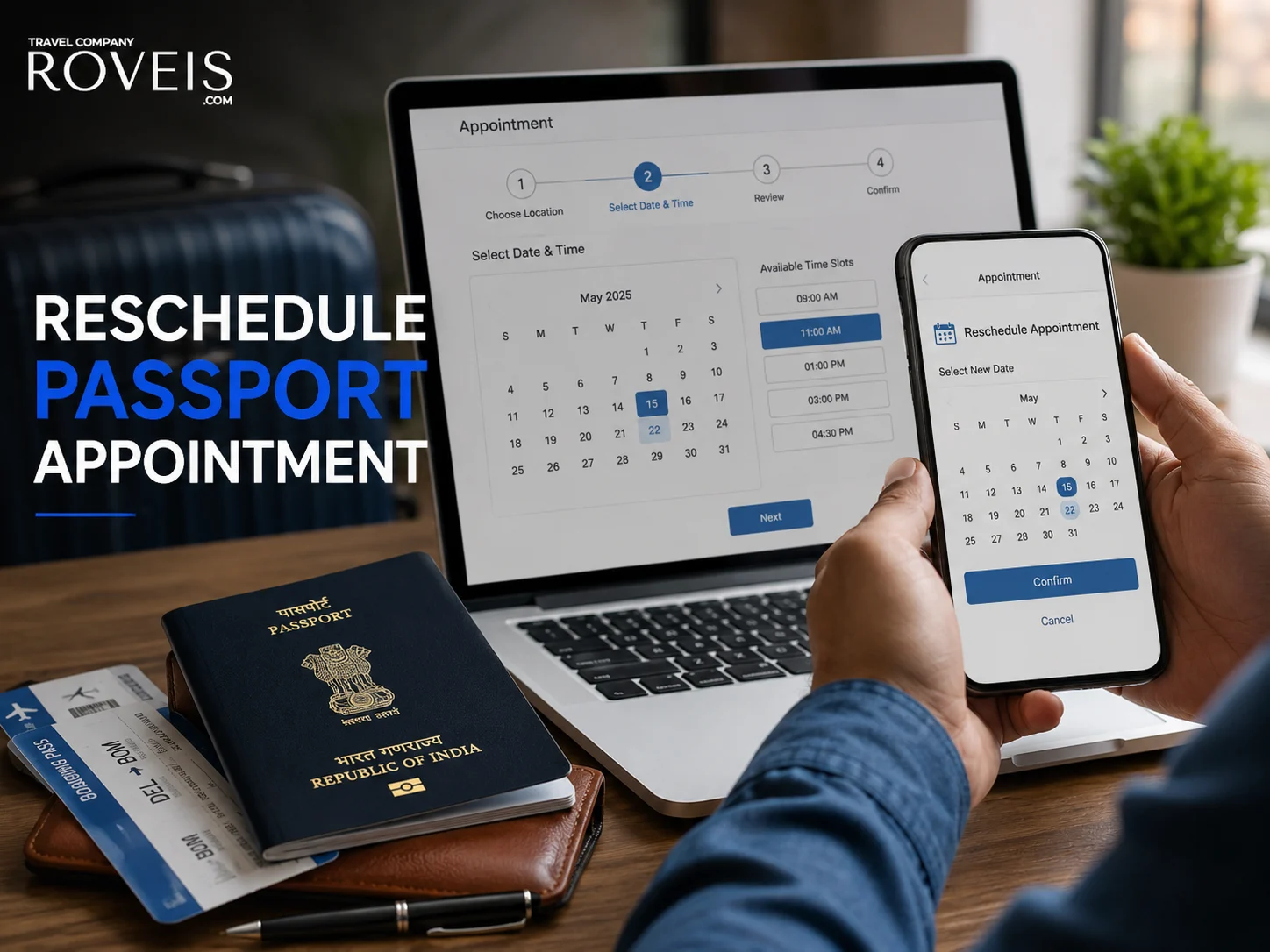
Have you already booked a passport appointment but cannot visit the Passport Seva Kendra (PSK) on the scheduled date? You may be able to reschedule your passport appointment online instead of starting the application process again.
The Passport Seva system provides an online option to reschedule or cancel a booked appointment. Applicants can select an available appointment at a PSK/POPSK, subject to availability and the applicable rescheduling limits. The official Passport Seva portal also states that appointments released through cancellation or rescheduling may become available for booking again.
In this guide, we explain how to reschedule a passport appointment, what to check before changing it, what happens to your existing appointment and some common problems applicants may encounter.
Important: Passport appointment rules can change. Always verify the latest instructions, appointment availability and applicable limits on the official Passport Seva portal before making a change.
Table of Contents
Can You Reschedule a Passport Appointment?
Yes. If you have a confirmed Passport Seva appointment and cannot attend on the scheduled date, the Passport Seva portal provides a Schedule/Reschedule Appointment option.
The official process allows an applicant to access the existing application, choose the rescheduling option, select an available PSK and book a new appointment. When a new appointment is successfully booked, the previously booked appointment is cancelled by the system.
The important point is that rescheduling is subject to available appointment slots and the rescheduling limits applicable to your application.
How to Reschedule a Passport Appointment Online
You can generally follow these steps through the Passport Seva Online Portal.
Step 1: Open the Official Passport Seva Portal
Visit the official Passport Seva website and log in using the account associated with your passport application.
For security, use the official government portal rather than relying on links received through unknown websites, messages or social media.
Step 2: Log In to Your Account
Enter your registered login credentials and access your Passport Seva account.
Once logged in, look for your saved or submitted passport application.
You will need to access the application for which the appointment has already been booked.

Need Passport Assistance? Contact at
Need Passport Assistance? Contact at
Step 3: Open the Appointment Scheduling Option
From the relevant application, access the appointment scheduling section.
The Passport Seva process refers to the Schedule Appointment or Schedule/Reschedule Appointment option for managing appointments.
Step 4: Select “Reschedule Appointment”
Choose the option for Reschedule Appointment/Cancel Appointment.
The system may display a confirmation message showing the number of rescheduling or cancellation attempts remaining for the application.
Review this information carefully before proceeding.
Step 5: Select Your Preferred PSK
If you want to change the location as well as the date, check the available Passport Seva Kendra options presented by the system.
The official appointment process allows applicants to select a preferred PSK and then view available appointment dates.
Step 6: Check Available Dates
The system will display appointment availability for the selected location.
Choose a date that works for you.
Remember that availability can change quickly because appointment slots are limited and previously booked appointments may become available again after cancellation or rescheduling.
Step 7: Confirm the New Appointment
After selecting an available appointment, review the details carefully and confirm the booking.
According to the official appointment process, when a new appointment is successfully booked, the previously booked appointment for that application is automatically cancelled.
Step 8: Save the Updated Appointment Details
After successful rescheduling, check the confirmation information shown by the Passport Seva portal.
The portal also sends appointment information through the registered mobile number. The current Passport Seva guidance states that an SMS containing appointment details can be used as proof of the appointment; applicants should nevertheless keep their application and appointment information readily accessible.
What Happens to Your Old Passport Appointment?
When you successfully reschedule an appointment, the old appointment is replaced by the new one.
The official Passport Seva appointment-booking document explains that after an available new appointment is booked, the previously booked appointment for the same ARN is automatically cancelled.
This means you should not assume that both appointment dates remain active.
Once the new appointment is confirmed, make a note of the new:
- Appointment date
- Appointment time
- PSK/POPSK location
- Application Reference Number (ARN)
- Appointment number, where applicable
How Many Times Can You Reschedule a Passport Appointment?
This is an area where applicants should check the current rules displayed by the Passport Seva system because official Passport Seva materials have contained different rescheduling limits over time.
The current Passport Seva application guidance states that users can reschedule appointments three times for regular applications and once for Tatkaal applications.
At the same time, some other official Passport Seva guidance pages currently state a limit of two times within one year of the first appointment date, with Tatkaal appointments limited to one reschedule.
Because appointment rules and portal processes can be updated, the safest approach is to rely on the rescheduling count shown in your Passport Seva account at the time you attempt the change.
Do not repeatedly cancel and rebook an appointment without checking the remaining attempts shown by the portal.
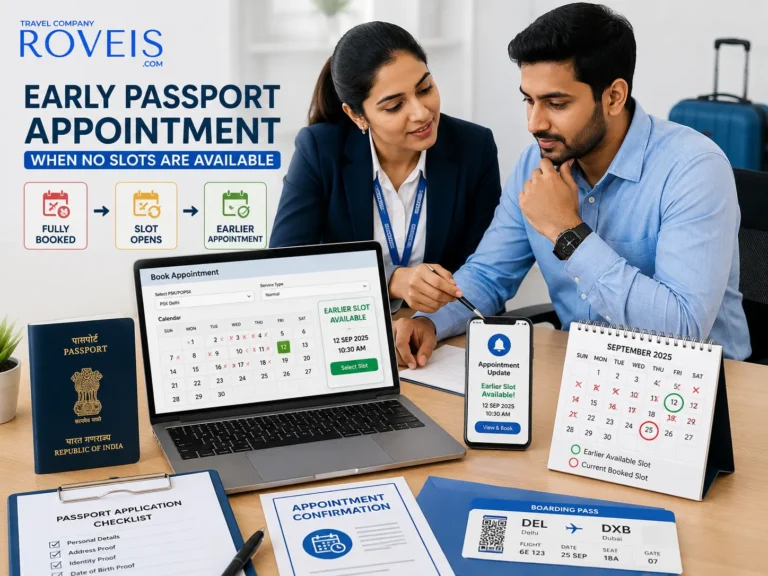
Can You Change the Passport Appointment to an Earlier Date?
Yes, if an earlier appointment slot is available.
Passport Seva’s appointment availability guidance states that slots released through cancellation or rescheduling can become available again, and applicants can book new appointments or bring forward an already booked appointment according to availability.
For example, if your current appointment is in September and an earlier suitable slot becomes available in August, you may be able to reschedule to the earlier date.
However, availability is not guaranteed.
Can You Change the PSK When Rescheduling?
Need Passport Assistance? Contact at
Need Passport Assistance? Contact at
The rescheduling process allows the applicant to select the preferred PSK from the options available to the application.
The official appointment process describes selecting the preferred PSK and then checking the available appointment date.
Whether a particular PSK is available to you can depend on the application, jurisdiction and current Passport Seva rules.
If the portal does not show the location you expect, do not assume that the location can be manually added. Check the options displayed by the official system.
Do You Need to Pay Again to Reschedule?
Do not make another payment simply because you want to change your appointment unless the Passport Seva system specifically asks you to do so.
Passport Seva states that online payment is required for appointment booking and that payment validity and refund rules apply to passport services.
The applicable payment rules can depend on the application and service, so check the payment information displayed on the official portal before completing any transaction.
What If No New Appointment Slot Is Available?

This is one of the most common problems applicants encounter.
If there is no suitable slot available, you may need to check again later.
Appointment availability is dynamic. Passport Seva states that appointments released because of cancellation or rescheduling may be made available again according to the system’s availability schedule.
Instead of cancelling your current appointment immediately, consider whether you actually need to change it.
If your existing appointment is still suitable, keeping it may be safer than giving it up while waiting for another slot.
What If You Accidentally Cancel the Appointment?
If you cancel an appointment instead of rescheduling it, you may need to book another available appointment through the Passport Seva portal.
The availability of a replacement appointment depends on the slots released by the system.
Before selecting Cancel Appointment, carefully check whether your intention is to cancel the existing appointment completely or move it to another date.
What If the Reschedule Option Is Not Showing?
There can be several reasons why the expected option or appointment availability is not appearing.
Possible reasons include:
- The application or appointment status does not currently allow the action.
- You have already used the permitted rescheduling attempts.
- No suitable appointment slot is currently available.
- The appointment or application is outside the applicable validity period.
- There may be temporary technical or portal-related issues.
- You may be accessing a different application than the one associated with your appointment.
Start by checking your application details and appointment status.
If the issue continues, use the official Passport Seva support channels rather than relying on unofficial advice.
What Happens If You Do Not Attend Your Appointment?
If you know that you cannot attend your scheduled appointment, it is better to review the rescheduling or cancellation options rather than simply ignoring the appointment.
Passport Seva specifically advises applicants who cannot visit the PSK/POPSK for a confirmed appointment to reschedule or cancel the appointment.
There can also be implications for appointment attempts, payment validity or the application depending on the circumstances.
Tips Before Rescheduling Your Passport Appointment
A few simple precautions can make the process easier.
1. Check Your New Date Carefully
Before confirming the new appointment, make sure you can actually attend on that date.
2. Check the Location
If you are selecting a different PSK, verify the location and travel time before confirming.
3. Check the Remaining Rescheduling Attempts
The portal can display the number of reschedule/cancel attempts remaining. Read this information before proceeding.
4. Keep Your Application Details Ready
Keep your ARN, registered mobile number, login details and appointment information accessible.
5. Check the Official Portal for Current Rules
Appointment availability, fees, procedures and other Passport Seva rules may change.
Always verify the latest information through the official Passport Seva portal.
What Should You Carry to the New Appointment?
Rescheduling your appointment does not automatically change the documentation requirements for your passport service.
Before visiting the PSK, review the official document advisory for your particular service, such as:
- Fresh passport
- Passport re-issue
- Passport renewal-related service
- Tatkaal application
- Other passport services
Carry the required original documents and copies as instructed for your application.
Passport Seva advises applicants to visit the PSK with the requisite original documents and supporting copies.
ROVEIS Assistance for Passport Services
Changing a passport appointment is an official Passport Seva process, and the appointment itself is controlled by the government portal.
ROVEIS Travel Company is not a government department and does not issue passports or control Passport Seva appointment slots.
However, ROVEIS can provide travel and documentation assistance to applicants who need help understanding the passport application process, preparing documentation or navigating travel-related services.
If you are unsure about your passport application or appointment process, ROVEIS can help you understand the steps and provide appropriate assistance.
For the actual appointment availability, booking, rescheduling rules and government decisions, applicants should always refer to the official Passport Seva portal.
Quick Checklist Before You Reschedule
Before changing your appointment, make sure you have:
- Your Passport Seva login details
- Your Application Reference Number (ARN)
- Your existing appointment details
- Your preferred new date
- Your preferred PSK, if applicable
- Access to your registered mobile/email
- Enough time to attend the new appointment
- Checked the latest official Passport Seva instructions
FAQs
1. Can I reschedule my passport appointment online?
Yes. Passport Seva provides an online Schedule/Reschedule Appointment facility for eligible applications with existing appointments. You can select an available appointment according to the options displayed by the portal.
2. How can I change my passport appointment date?
Log in to the Passport Seva portal, open your submitted application, access the appointment scheduling section and select Reschedule Appointment. Choose an available date and confirm the new appointment.
3. Can I reschedule my passport appointment to an earlier date?
Yes, where an earlier appointment slot is available. Passport Seva states that slots released through cancellation or rescheduling may become available for booking.
4. Can I change my PSK while rescheduling?
The rescheduling process allows applicants to select a preferred PSK from the options presented by the Passport Seva system. Availability depends on the application and current appointment rules.
5. How many times can I reschedule a passport appointment?
The currently displayed Passport Seva guidance should be checked at the time of rescheduling because official materials have reflected different limits. The current application guidance states three reschedules for regular appointments and one for Tatkaal, while other official guidance states two for regular appointments.
6. What happens to my old appointment after rescheduling?
Once a new appointment is successfully booked, the previously booked appointment for the same application is automatically cancelled.
7. What if there are no passport appointment slots available?
If no suitable appointment is available, check the Passport Seva appointment availability page again. Slots can become available when existing appointments are cancelled or rescheduled.
8. Can ROVEIS reschedule my passport appointment?
ROVEIS can provide passport application and documentation guidance, but it does not control government appointment slots or government records. Appointment rescheduling is ultimately handled through the official Passport Seva system.
Need Passport Assistance? Contact at
Need Passport Assistance? Contact at
Conclusion
If you cannot attend your scheduled passport appointment, you may be able to reschedule your Passport Seva appointment online instead of abandoning the application.
The general process is straightforward: log in to the Passport Seva portal, open the relevant application, select the appointment scheduling option, choose Reschedule Appointment, select an available PSK and date, and confirm the new appointment.
The most important thing is to check the remaining rescheduling attempts and current appointment rules displayed by the official portal before confirming the change.
Appointment availability can change, so plan ahead whenever possible.
For passport-related assistance, documentation guidance and other travel services, you can contact ROVEIS Travel Company.